 Canvas
Configuration
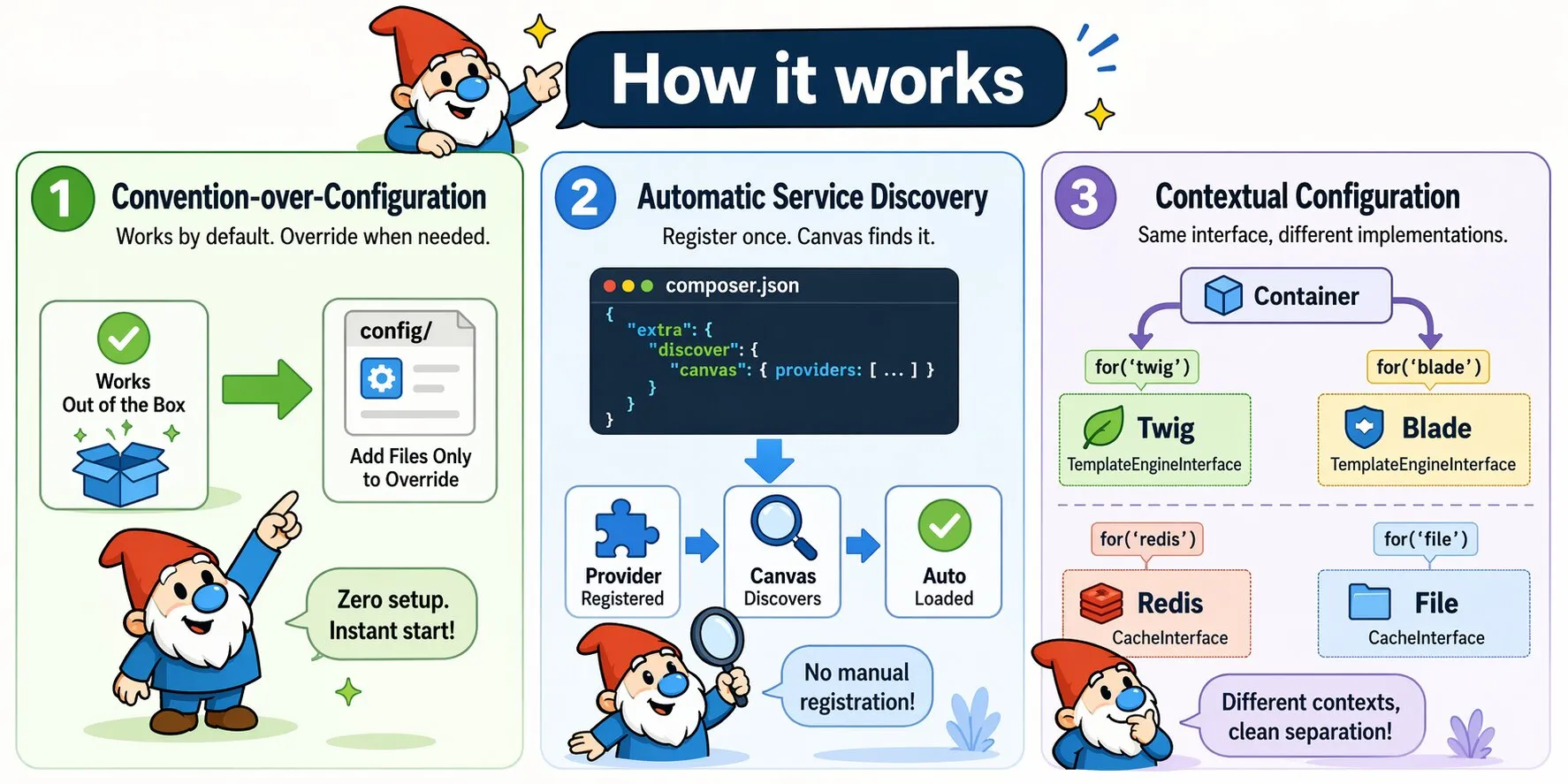
Canvas follows convention-over-configuration. It works immediately with zero setup — create config files only when you need to override defaults.
Config Files
Configuration files live in the config/ directory and return a plain PHP array. Canvas and its packages look for specific filenames — installing a package creates the relevant config file automatically with its defaults.
// config/database.php
return [
    'driver'   => 'mysql',
    'host'     => 'localhost',
    'database' => 'myapp',
    'username' => 'root',
    'password' => '',
];
Common config files and what controls them:
| File | Controls |
|---|---|
config/app.php | Template engine, legacy bridge, error handler directory |
config/database.php | Database connection for ObjectQuel ORM |
config/cache.php | Cache driver and connection settings |
config/smarty.php | Smarty template engine options |
config/twig.php | Twig template engine options |
config/blade.php | Blade template engine options |
Environment Overrides with .local.php
Every config file supports a corresponding .local.php override. Canvas loads the base file first, then merges the local file on top — only the keys you specify are overridden, the rest are kept from the base file.
// config/database.php — committed to version control
return [
    'driver'   => 'mysql',
    'host'     => 'localhost',
    'database' => 'myapp',
    'username' => 'root',
    'password' => '',
];

// config/database.local.php — not committed to version control
return [
    'host'     => 'db.production.example.com',
    'database' => 'myapp_prod',
    'username' => 'myapp',
    'password' => 'secret',
];
The local file only needs to contain the keys that differ. In the example above, driver is inherited from the base file.
This is the recommended approach for environment-specific settings such as database credentials, API keys, and debug flags. Add *.local.php to your .gitignore to keep secrets out of version control:
# .gitignore
config/*.local.php
The pattern works for every config file — config/app.local.php, config/cache.local.php, config/twig.local.php, and so on.
Package Auto-Discovery
Installing a Canvas package via Composer is all that's needed — Canvas detects and configures it automatically via Composer metadata. No manual registration required:
composer require quellabs/canvas-twig      # Auto-configures Twig
composer require quellabs/canvas-smarty    # Auto-configures Smarty
composer require quellabs/canvas-blade     # Auto-configures Blade
See Discover for details on how auto-discovery works.